Expense Tracker for Small Business — Scan, Categorize, Deduct
Snap a receipt, add it to a job, tag the category. Come tax time, export a clean CSV with every deductible expense.
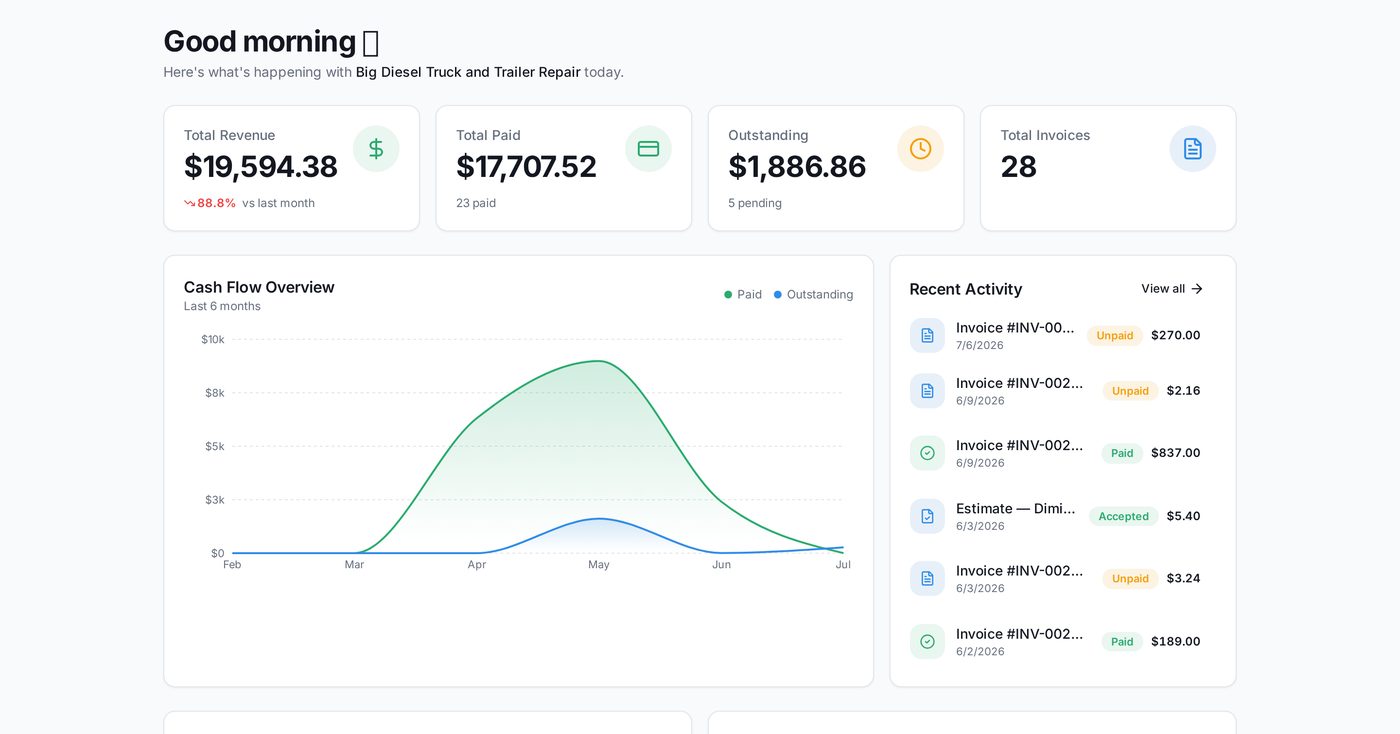
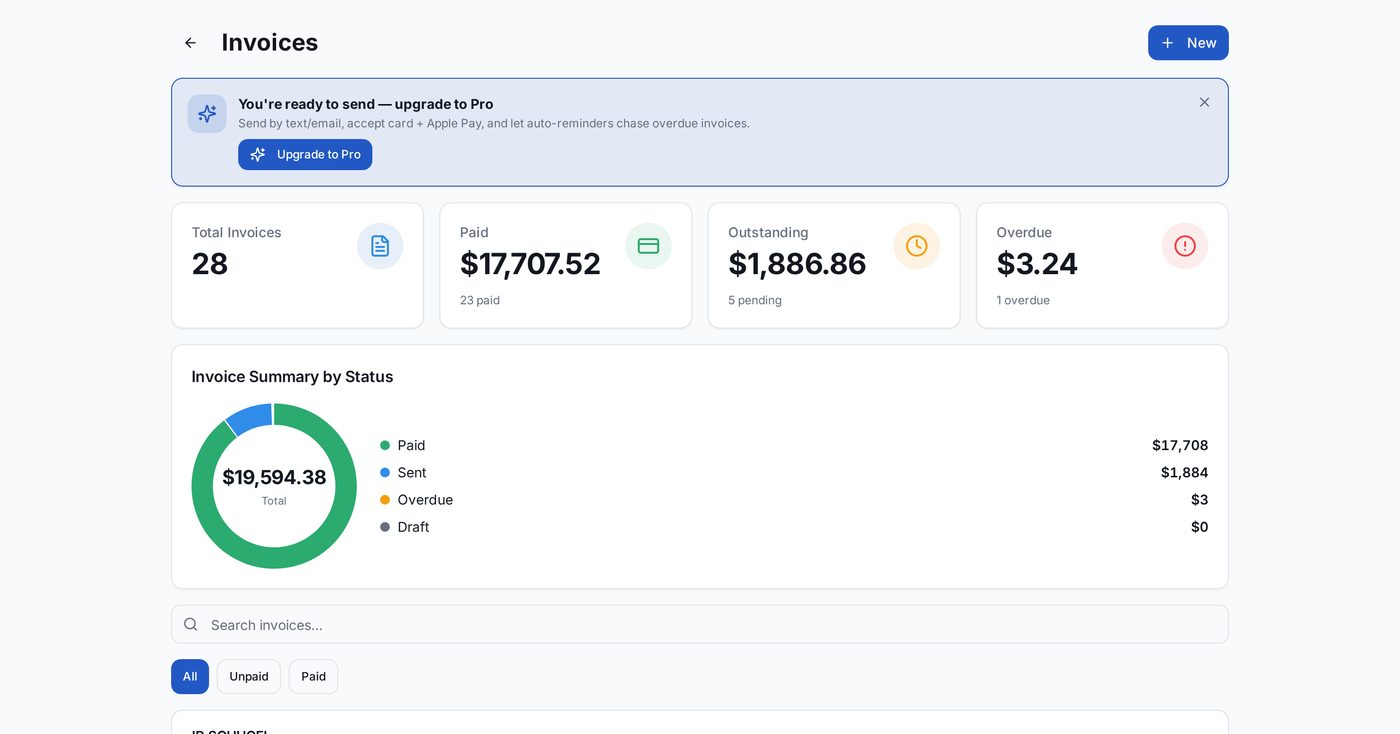
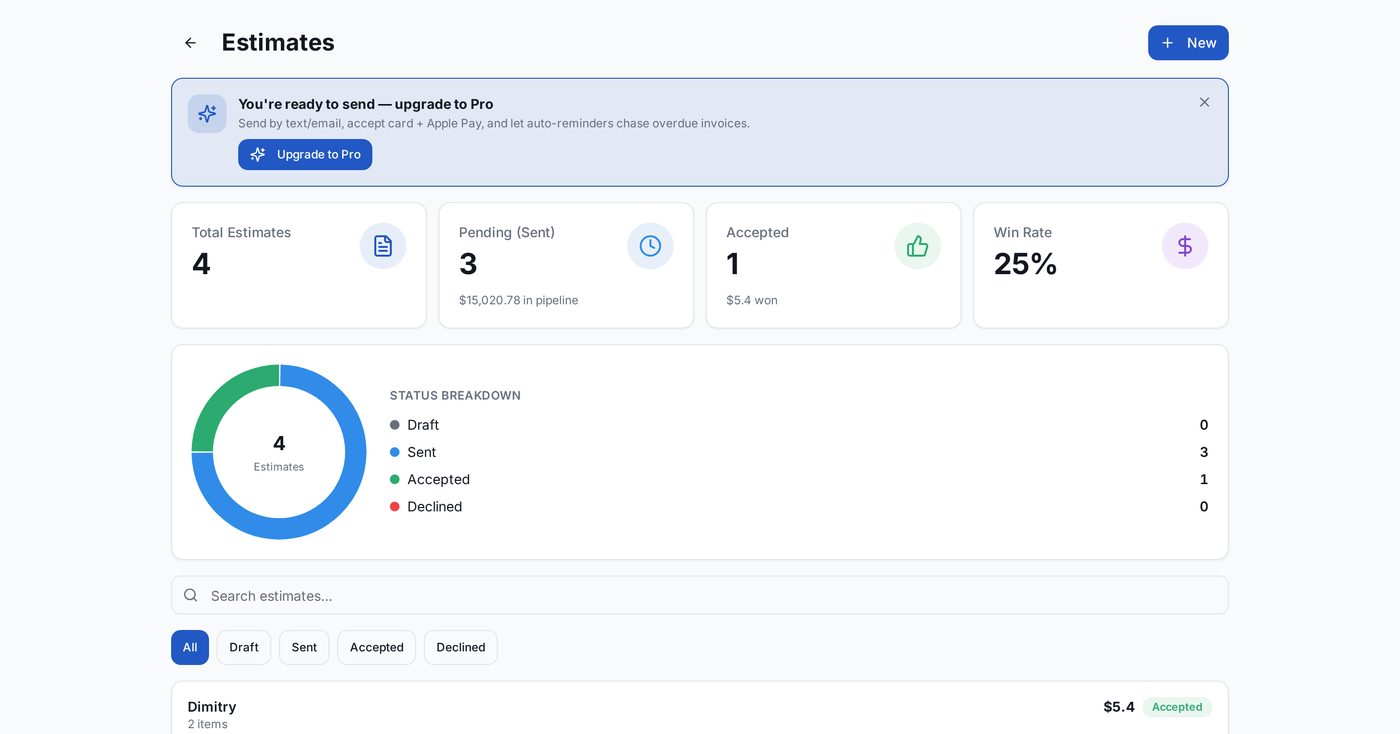
For small businesses: itemized estimates, deposits, automatic payment reminders, and a running list of what is still unpaid.
What small businesses keep telling us
The problems we hear on every intro call — and how Glo Invoice fixes them.
Lost receipts = lost deductions
Snap on the spot; receipt attaches to the job.
Categorizing at year-end is painful
Categorize as you go; export takes 10 seconds in March.
Job vs. general expense
Tag expenses to a specific job for real per-job margin.
How it works for small businesses
Three steps. Under a minute apiece.
Snap the receipt
OCR pulls date, vendor, total.
Tag & categorize
One tap for common categories (fuel, materials, tools).
Export at tax time
CSV or PDF, filtered by year.
Built for how you actually run the business
Receipt OCR
Auto-extract date, vendor, and total.
Job-level expenses
Tag to a job for margin tracking.
IRS-friendly categories
Preset categories match Schedule C lines.
CSV + PDF export
Ready for your accountant.
The complete platform, not just an invoice app
Everything small businesses need to run and grow — one login, one bill.
Frequently asked
Also popular with small businesses
Ready to send your first invoice?
14-day free trial, then $9.99/mo. Cancel anytime before it ends. Your data is portable — CSV & PDF export always included.